

Introduction
Opening tabs is easy. Closing them is hard.
During everyday browsing, tabs pile up quickly: articles to read later, pages you might need again, things you don’t want to forget. Before long, your browser becomes cluttered, harder to navigate, and more distracting than helpful.
A tab archive offers a simple solution: move tabs out of your active workspace without losing them, so you can stay organized while keeping access to what matters.
Opening tabs is easy, closing them is tricky
What if there was a middle ground? A way to offload tabs into an archive, where you can organize and find them later?
Picture this: you’ve been working on a research project all day. Suddenly, an urgent task arrives. You already have 33 open tabs: news articles, blog posts, PDFs… hours of work collected. You don’t want to lose them, but you need to focus on your urgent task.
Now you face a few choices:
- Open a new tab and try to ignore the 33 others
- Minimize the current window and open a new one
- Start bookmarking and arranging everything
Let's review these choices one-by-one:
Open a new tab and try to ignore the 33 others
Now you probably have a browser window that looks like this:
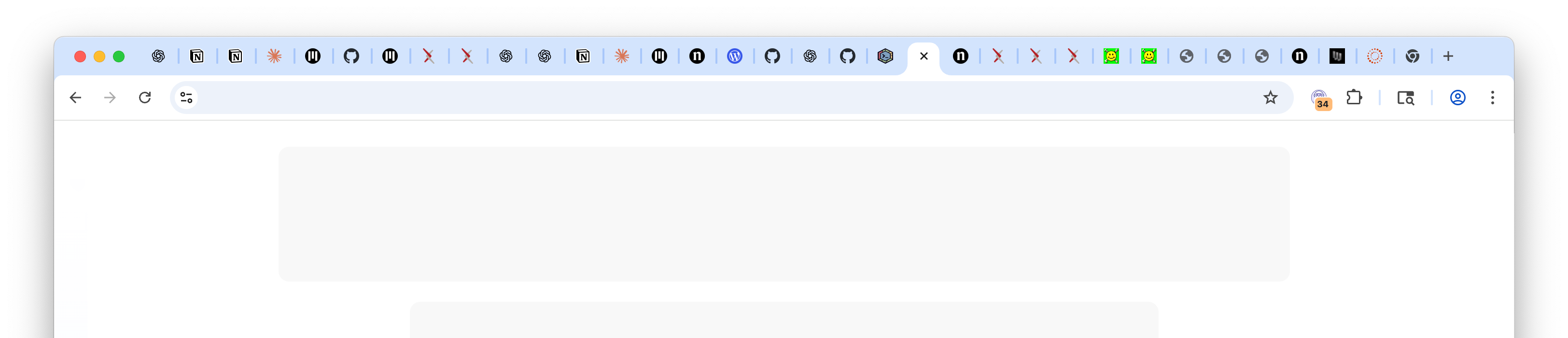
That works for a quick task. But if the task is longer or requires research, adding more tabs only makes things messier and heavier on your CPU and memory.
Which brings us to our second choice.
Minimize the current window and open a new one
Opening a new window can feel like a clean slate with just one tab for the task at hand.
But is it?
The other window is still open, distracting you. As more windows pile up, each with their own set of tabs, distractions multiply and the sense of fragmentation grows. If we repeat this cycle a few more times we might easily find ourselves with several windows, each with a few dozen tabs.
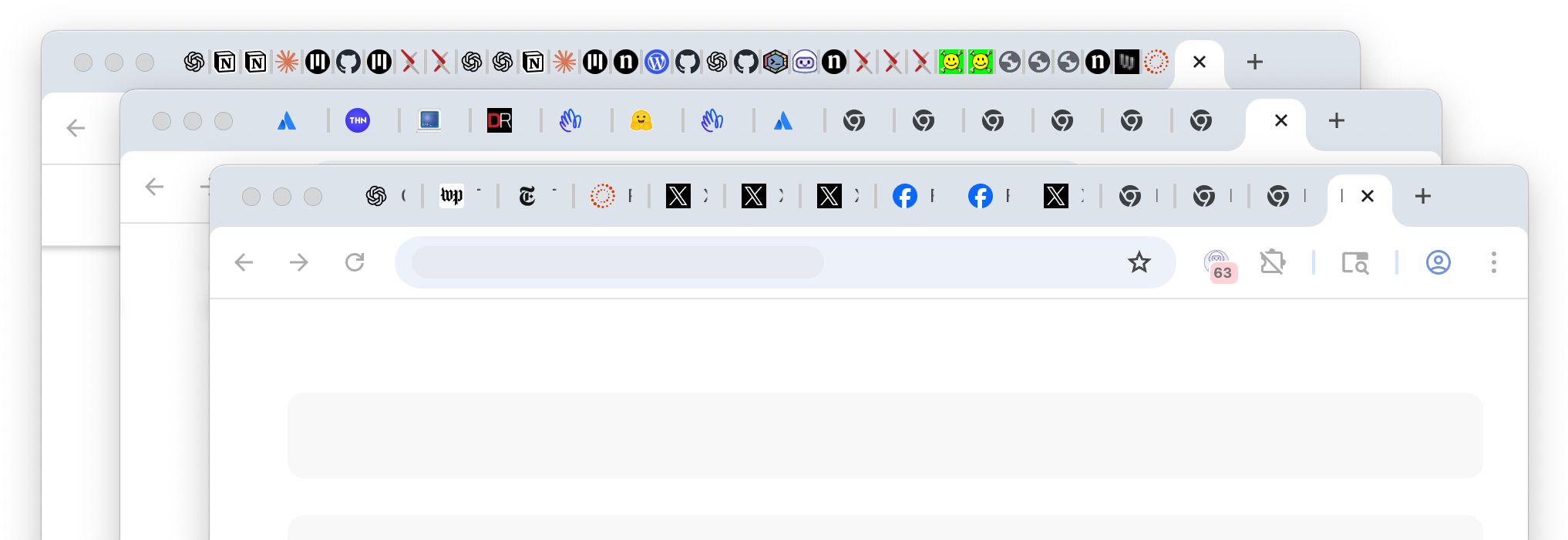
Looks like we need to close some of these tabs so that we can focus on the task at hand (and to save precious CPU cycles, GBs of memory, and battery power).
So, we turn to our last option.
Start bookmarking and arranging the tabs you have open
Bookmarks aren’t ideal for temporary research. Naming a new collection, deciding where to save it, and finding it later turns into its own task. Worse, tabs are often scattered across windows - you’d need to hunt them down one by one.
Frustrating. Error-prone. There must be a better way.
A better way: Archives
Archives give you a dedicated space to store tabs without cluttering your active workspace. Instead of closing or bookmarking, you can send tabs into an archive with a single click. Tabs remain searchable, grouped by project, and retrievable at any time.
Archives help you:
- Save memory by moving tabs out of the active browser session
- Keep research organized by topic or project
- Quickly restore entire sets of tabs when you're ready to resume
This is the “middle ground” between keeping everything open and losing track of what you wanted to return to.
Pro tip: Keep clutter from building up again (automatic cleanup)
If you like the idea of an archive but don't want to constantly manage cleanup manually, you can also use auto-archiving to clear stale tabs while keeping them accessible in your archives.
Ready to transform your browsing experience? Try TabsPrompt and see how intelligent tab management can improve focus and reduce clutter.
Try TabsPrompt