

Feature Videos
See TabsPrompt in action. Watch demonstrations of AI tab grouping, drag and drop organization, dark mode, and more.
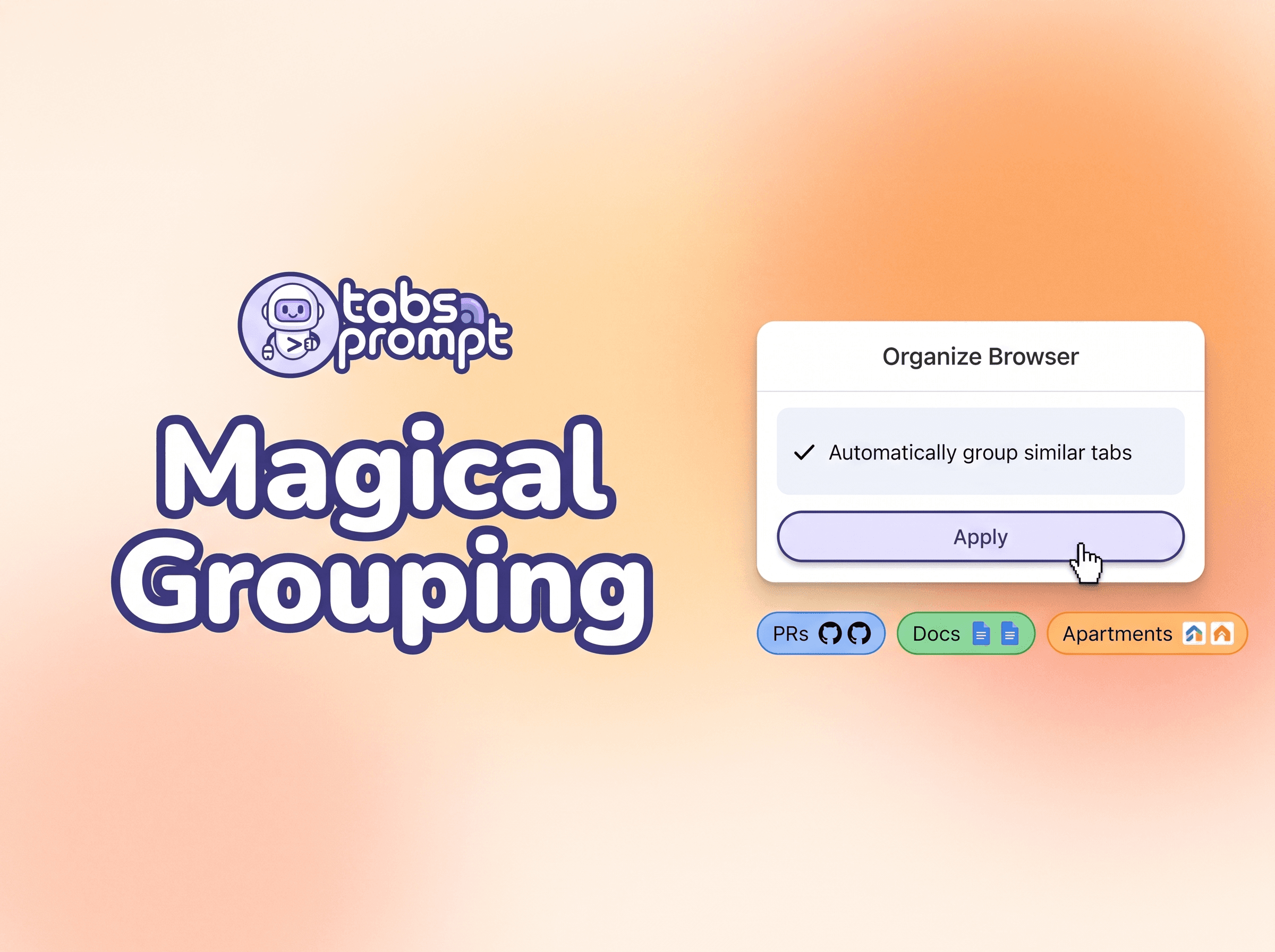
Chrome Tab Grouping in One-click
Group ungrouped tabs into labeled Chrome tab groups with a single click.

How to easily share links between mobile and desktop
Save any link from your phone to your browser archive. Access it later on your laptop.

Group Browser Tabs by Topic with AI
Use natural language to group tabs by what they are about, not just by domain. TabsPrompt AI recognizes shopping, research, and other topics across different websites.
Close duplicate tabs
Use natural language to close duplicate tabs.
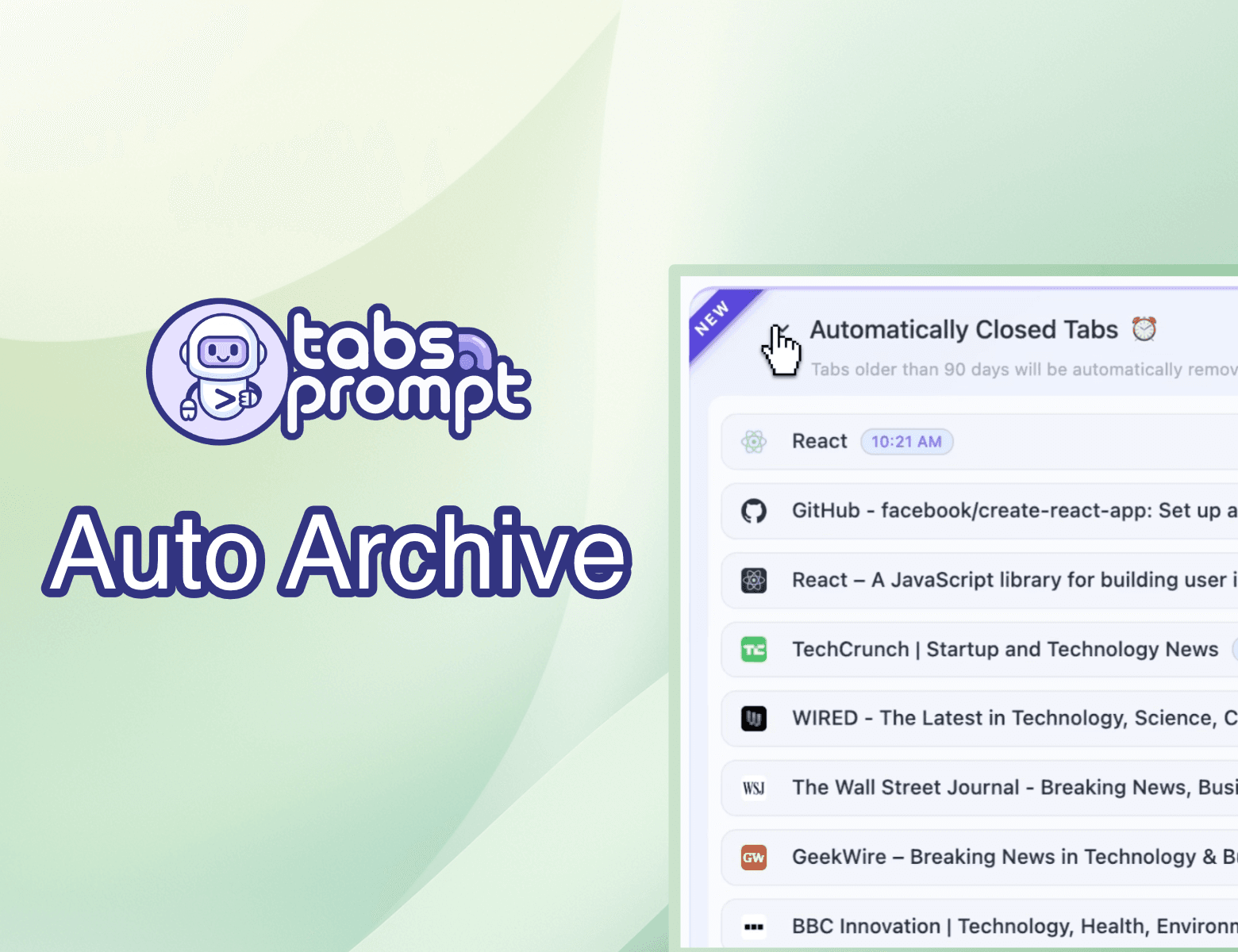
Auto-Archive Unused Tabs to Free Memory
Set a lifespan for tabs in Settings. TabsPrompt automatically archives and closes tabs untouched for your chosen duration, freeing RAM while keeping them accessible in Archives.

Full Screen Mode with Sidebar Navigation
Launch TabsPrompt into a dedicated browser tab with sidebar navigation. Access Tabs, Archives, Focus Mode, and Settings with room to organize large collections.
Compact Pinned Tabs Icon Row
Display pinned tabs as a space-saving horizontal icon row. Drag tabs to pin or unpin them, keeping your workspace clean and organized.
Dark Mode for TabsPrompt
Switch between Light and Dark themes in TabsPrompt settings. Reduces eye strain during late-night browsing sessions.

Drag and Drop to Reorder Tab Groups
Click and hold a group header, drag it to a new position, and release. Visually reprioritize your projects without extra clicks.
Merge Tab Groups with Drag and Drop
Drag one group onto another to merge all tabs into a single group. Consolidate research or combine similar topics instantly.
Quick Feedback Button
Share thoughts, suggest features, or report bugs directly from the TabsPrompt toolbar. Feedback goes straight to the development team.

Action Menu for Tab Management
Move tabs between windows, groups, or archives from a floating action menu. Create new destinations on the fly without manual dragging.
Expand and Collapse Tab Groups
Collapse tab groups with a single click to declutter your view. Synchronized with Chrome so groups collapse in both places.
Quick Filters in Search Bar
Filter tabs by Pinned, Audible, or Muted status directly from the search bar dropdown. Find exactly what you need faster.

Select Tabs by Date Category
Check the box next to "Today" or "Yesterday" headers to select all tabs from that time frame. Group or archive entire days in seconds.
Drag and Drop to Reorder Tabs
Drag tabs up or down within groups or windows to reorder them. Arrange your workspace exactly how you want it.

Search and Group Tabs
Filter through open tabs by keyword, select matching tabs, and bundle them into a named group. Organize research sessions in seconds.
Keyboard Shortcuts for Tab Navigation
Navigate tabs with arrow keys, switch with Enter, select with Spacebar, and group with G. Manage tabs without leaving the keyboard.
Detailed Tab View with Usage Info
See the domain, time since last access, and total time spent on each tab. Identify stale tabs and understand your browsing habits.
Import URLs from Clipboard to Tab Group
Copy a list of URLs from email or messages and import them directly into TabsPrompt. Create a new tab group or archive without opening tabs one by one.